
Get the app
Download Qollaby for iPhone and Android.
Free to download, free to use. Install Qollaby and join the local feed of ideas, work, opportunities, events, and exchange happening around you.
Paid plans are optional — see pricing and plans for what a subscription adds.
App details
- Price
- Free to download
- Platforms
- iOS, Android
- Category
- Social networking
- Language
- English
Up and running in three steps
- 1
Install the app
Get Qollaby free from the App Store or Google Play. There is nothing to pay to download it.
- 2
Create your account
Open the app and tap Sign Up. You can register with your email, your Google account, or your Apple ID.
- 3
Explore what is nearby
Browse the local feed of posts, events, and exchange listings, then message people directly when something is worth following up on.
See it in the app
Everything Qollaby does, on one screen at a time.
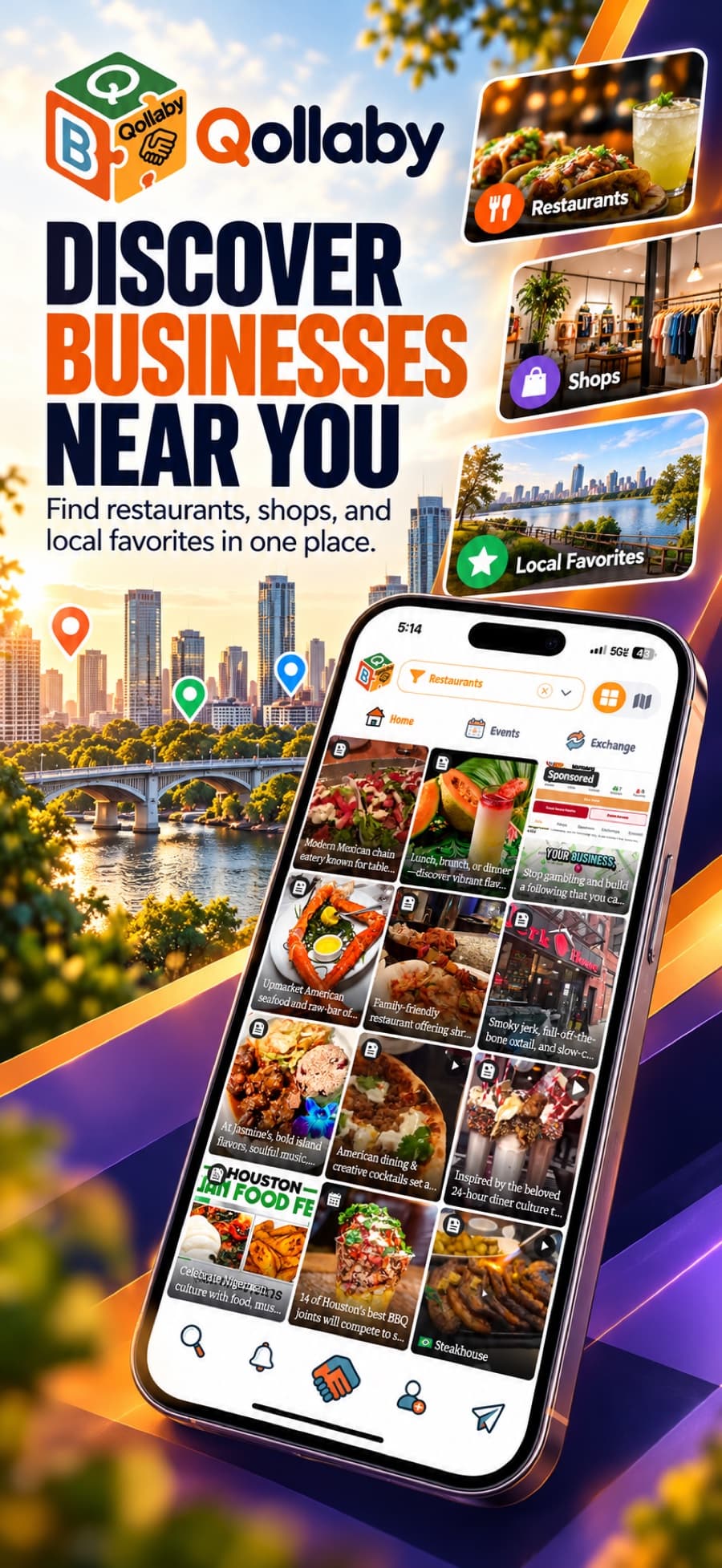
The same walkthrough you will find on the App Store: the local feed, messaging, sponsor placements, the exchange, and a business profile built to be shared.
Discover businesses near you
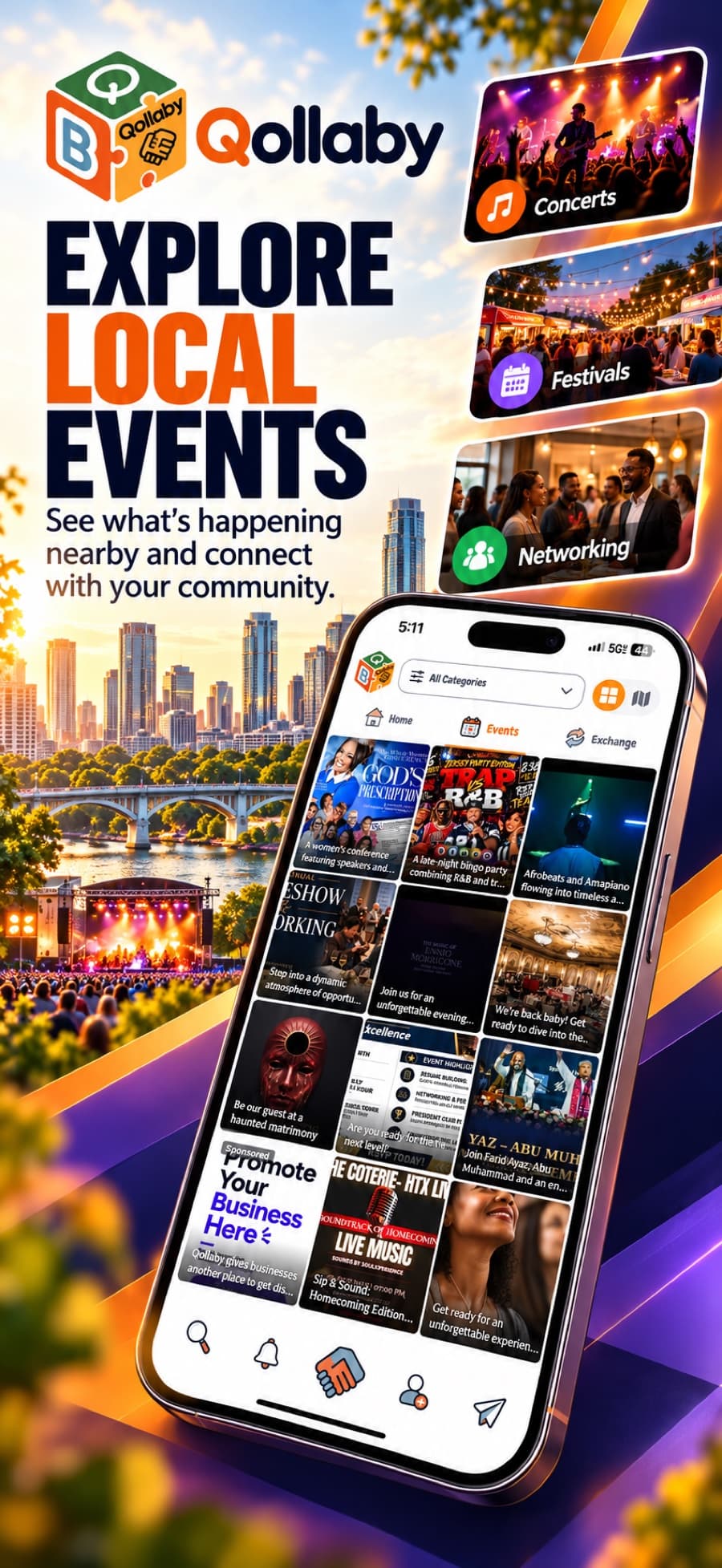
Explore local events
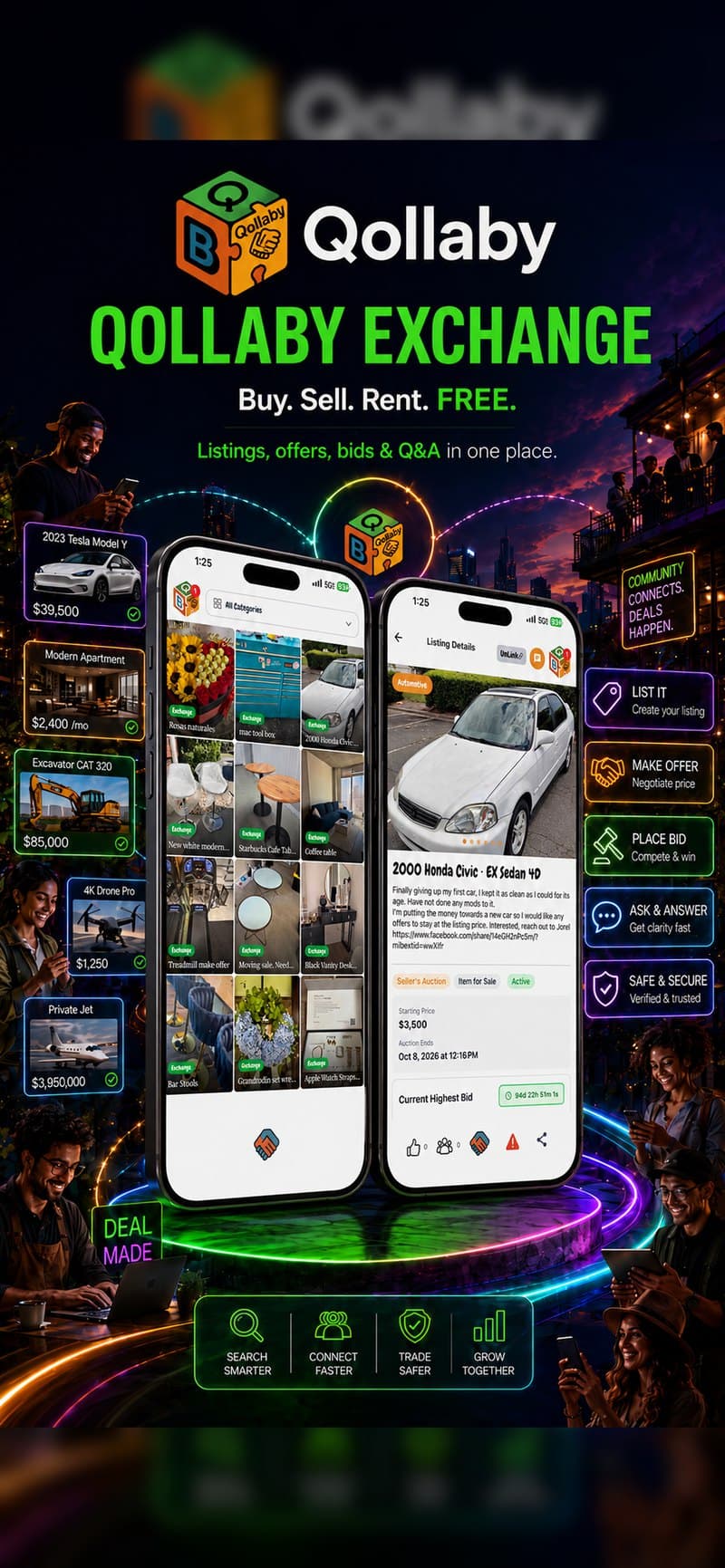
Buy, sell and discover
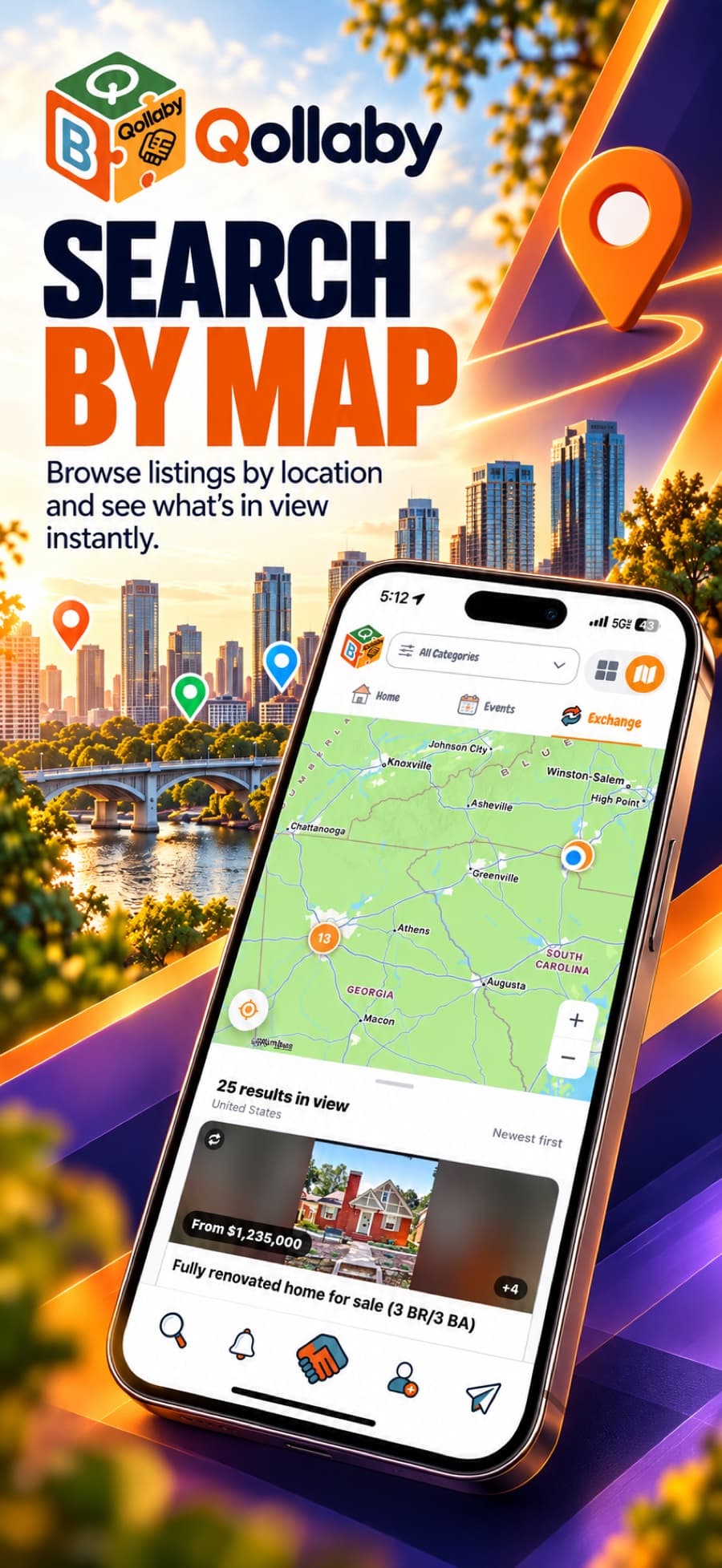
Search by map
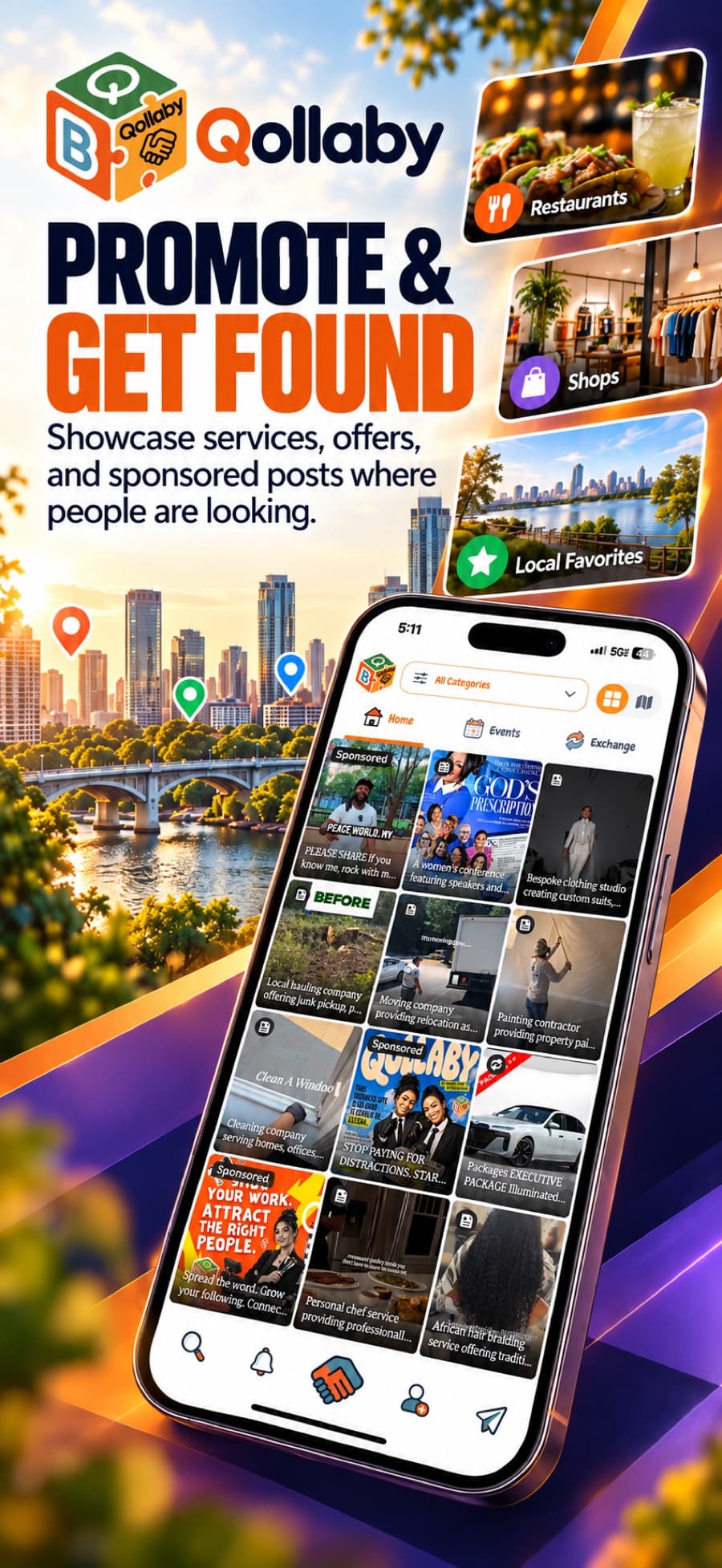
Promote and get found
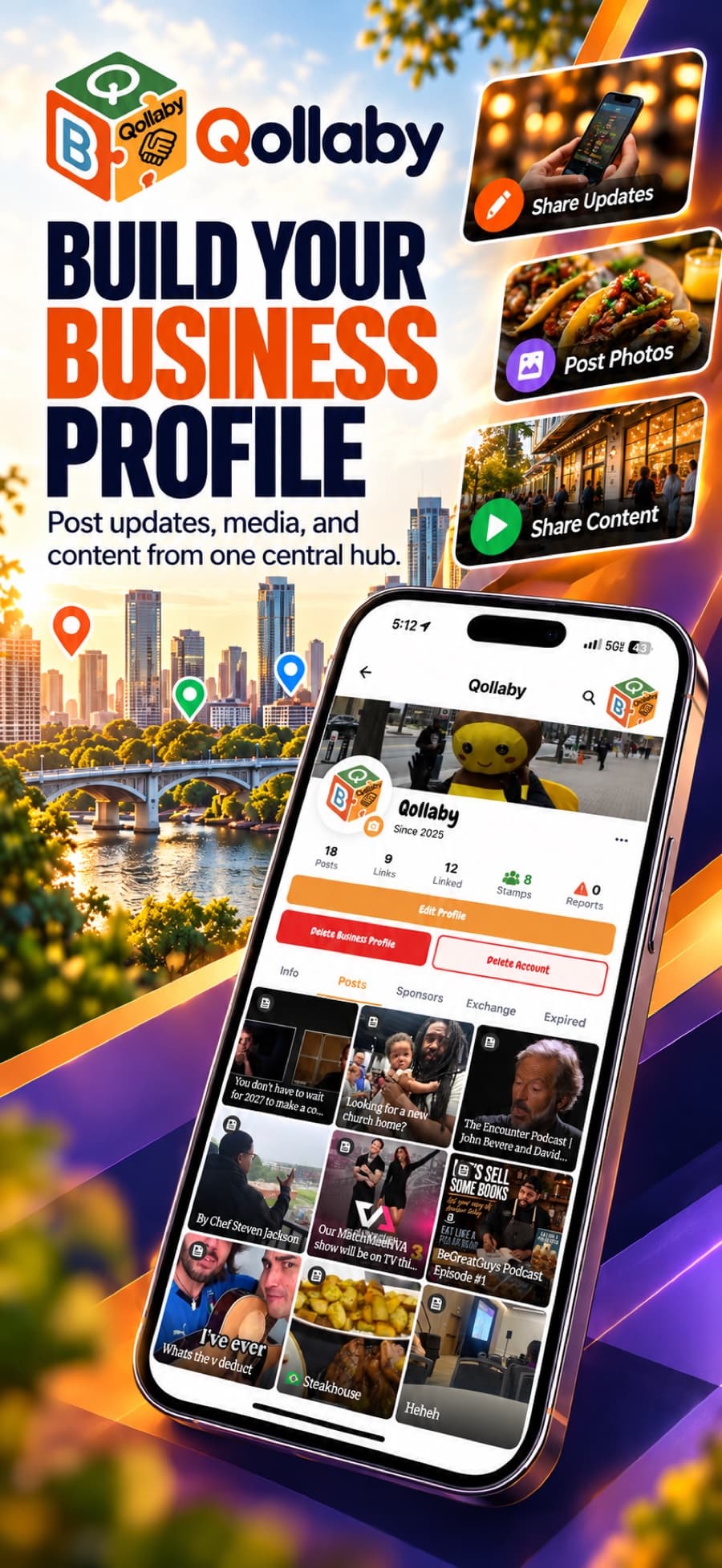
Build your business profile
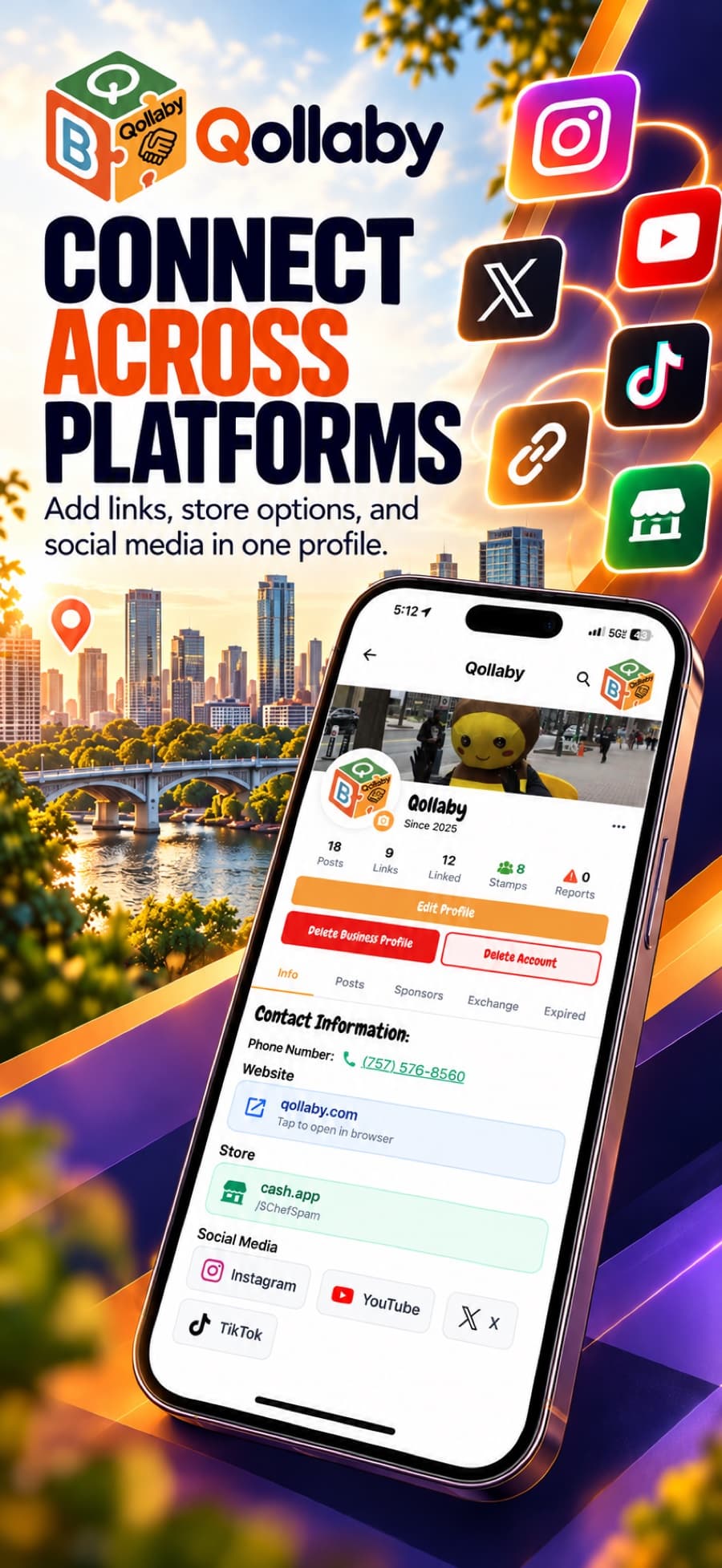
Connect across platforms
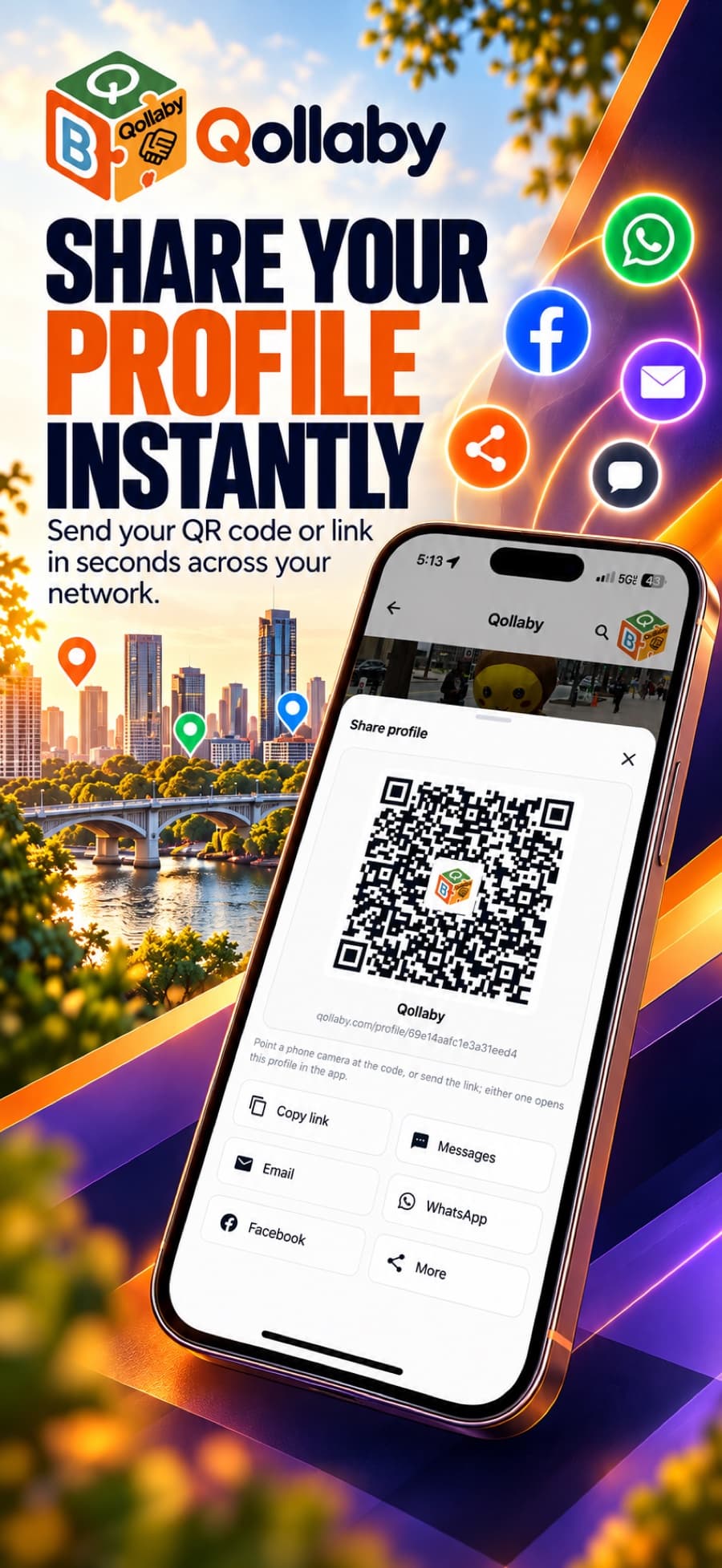
Share your profile instantly
Before you download
Is Qollaby free to download?
Yes. Qollaby is free to download and free to use on both iOS and Android. Optional subscription plans add extra capability, and sponsor ads are priced separately.
Which devices does Qollaby run on?
Qollaby runs on iPhone and on Android phones. Install it from the App Store or from Google Play, using the same account on either platform.
Do I need an account to use the app?
Yes. Creating an account is what connects you to your local feed and lets other members message you. You can sign up with email, Google, or Apple.
Is there a web version of the app?
Qollaby is a mobile app. This website handles subscription plans and opens shared links, but posting, messaging, events, and exchange all happen in the app itself.
How do I get new versions?
Updates arrive through the App Store and Google Play like any other app. Leaving automatic updates on means you always have the current version.
The app will not install. What now?
Check that your device meets the minimum operating system version and has free storage, then restart the install. If it still fails, contact us through the support page and tell us your device and OS version.
Still have a question?
Our team answers install, account, and billing questions directly.